Checkmate IT Tech Blog
CompTIA Security+ Study Guide: What to Expect and How to Pass
August 21, 2026 · fatma · 7 min read
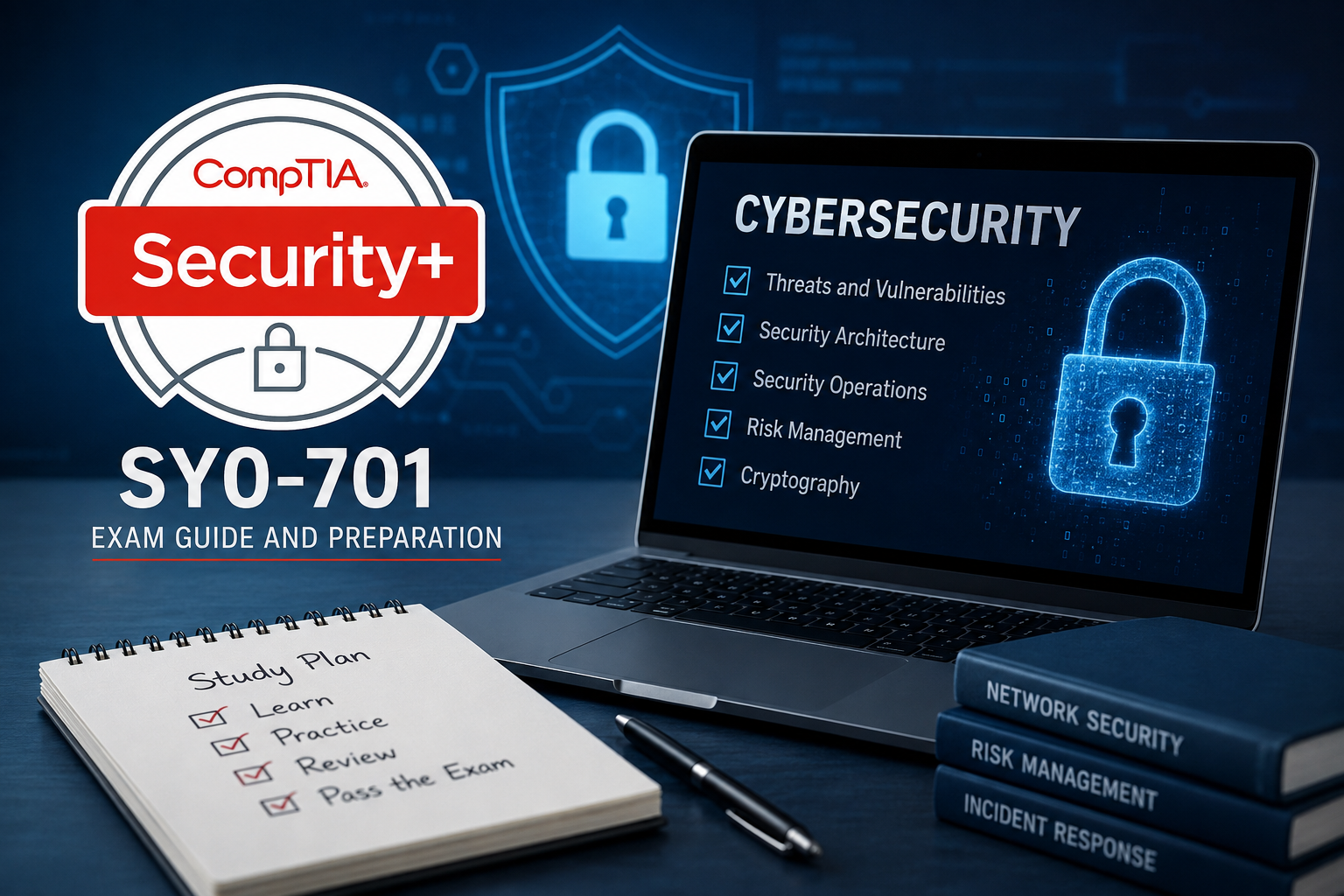
# CompTIA Security+ Exam Guide: How to Prepare and Pass SY0-701
If you're aiming to break into cybersecurity, **CompTIA Security+** is likely the first certification on your list — and for good reason. It's one of the most widely recognized entry-level security credentials in the industry, and it's approved for DoD 8570/8140 roles. But like any certification exam, walking in unprepared is a fast way to waste your exam fee.
This guide breaks down exactly what the current Security+ exam looks like and how to study for it effectively.
At **CheckmateITTech.com**, we work with IT professionals every day who are building their careers through certifications like Security+, and we've put together this guide to help you understand the exam and pass it with confidence.
## What Is CompTIA Security+?
CompTIA Security+ is a vendor-neutral certification that validates foundational cybersecurity knowledge covering:
* Security concepts
* Threats
* Risk management
* Cryptography
* Network security
* Security operations
It's designed for early-career IT professionals such as security analysts, systems administrators, network administrators, and help desk technicians who want to move into a security-focused role.
## The Current Exam: SY0-701
The active version of the exam is **SY0-701**, which replaced the older SY0-601 in 2024. If you come across study material referencing SY0-601, skip it — it's outdated and will leave real gaps in your preparation.
Here's what to expect from the exam format:
* **Up to 90 questions**, combining multiple-choice and Performance-Based Questions (PBQs)
* **90 minutes** to complete the exam
* **Scaled score from 100–900**
* **Passing score of 750**
* Questions carry different weights depending on difficulty, since CompTIA uses scaled scoring
## The Five Exam Domains
SY0-701 is organized into five domains, each with a specific weight on the exam:
| Domain | Weight |
| ----------------------------------------- | -----: |
| General Security Concepts | 12% |
| Threats, Vulnerabilities, and Mitigations | 22% |
| Security Architecture | 18% |
| Security Operations | 28% |
| Security Program Management and Oversight | 20% |
**Security Operations carries the most weight at 28%**, so it deserves the largest share of your study time.
That domain covers day-to-day security tasks like incident response, monitoring, vulnerability management, and using tools such as SIEM, SOAR, and EDR/XDR platforms.
Compared to the retired SY0-601, SY0-701 consolidated six domains into five, folded the old "Implementation" domain into Architecture and Operations, and added coverage of newer topics like zero trust architecture, AI-driven threats, and supply chain security, reflecting how much the threat landscape has shifted in the last few years.
## How Long Should You Study?
Your timeline depends on your background:
* **With Network+ or hands-on IT experience:** roughly 8–10 weeks of consistent study
* **Without prior IT background:** plan for closer to 14–16 weeks
Consistency matters more than cramming. A steady **one to two hours a day** tends to produce better retention than occasional long study sessions.
# How to Study for Security+ Step by Step
## 1. Start With the Official Exam Objectives
CompTIA publishes a free objectives PDF on its certification page. This document is your syllabus. Every hour you spend studying should map back to something on that list.
## 2. Study in Layers, Not Randomly
Begin with foundational security concepts and vocabulary before moving into threats, architecture, operations, and governance.
Trying to absorb everything at once leads to confusion rather than mastery.
## 3. Dedicate Extra Time to Security Operations
Since Security Operations is the largest domain at **28%**, under-preparing here is one of the biggest risks for candidates.
Focus on areas such as:
* Incident response
* Security monitoring
* Vulnerability management
* SIEM
* SOAR
* EDR/XDR
* Security tools and processes
## 4. Practice Performance-Based Questions Deliberately
PBQs ask you to apply knowledge in simulated scenarios, such as:
* Configuring firewall rules
* Analyzing logs
* Matching controls to risks
* Troubleshooting security scenarios
Reading alone won't prepare you for these. You need hands-on practice to become comfortable applying what you've learned.
## 5. Take Timed Practice Exams
Full-length, timed practice tests build the speed and stamina you'll need for the real 90-minute exam.
They also help you identify weak domains before test day.
## 6. Review Your Weak Areas, Then Retest
Don't just move on after a practice exam.
Go back over the questions you missed and understand **why the correct answer is correct**. Once you've reviewed your weak areas, take another practice test to measure your improvement.
# Common Mistakes to Avoid
## Studying Outdated Material
Anything referencing **SY0-601** or six exam domains is no longer accurate for the current exam.
Make sure your study materials are aligned with **SY0-701**.
## Watching Videos Without Testing Yourself
Passive learning can feel productive, but it doesn't always reveal whether you can actually apply the concepts under exam conditions.
Combine videos and reading with practice questions and hands-on exercises.
## Ignoring PBQs Until the Last Minute
PBQs require practical thinking rather than simple memorization and can take longer to master.
Start practicing them early in your preparation.
## Skipping the Official Objectives
Third-party guides can be helpful, but the official exam objectives provide the definitive blueprint for what you should study.
# Why Security+ Is Worth the Effort
Security+ isn't just a resume line. It teaches the language, logic, and decision-making that underpin real security work.
It's often the credential that helps open the door to roles such as:
* SOC Analyst
* Junior Penetration Tester
* Systems Security Administrator
* Network Security Administrator
* IT Auditor
It can also satisfy compliance requirements for many federal and defense-related IT positions.
# Final Thoughts
Passing CompTIA Security+ comes down to studying the right material, in the right order, with enough hands-on practice to handle the PBQs confidently.
Follow the official **SY0-701 objectives**, prioritize the **Security Operations** domain, and use timed practice exams to gauge your readiness before booking your test date.
If you're preparing for Security+ or planning your next step in an IT or cybersecurity career, the team at **CheckmateITTech.com** is here to help — from certification guidance to real-world IT support and training resources tailored to where you are in your career.
# Frequently Asked Questions
## 1. What Is the Current Version of the CompTIA Security+ Exam?
The current and only active version is **SY0-701**, launched in November 2023. It replaced SY0-601, which was retired on July 31, 2024.
Any study material referencing SY0-601 or a six-domain structure is outdated.
## 2. How Many Questions Are on the Security+ Exam, and How Much Time Do I Get?
The exam has **up to 90 questions**, combining multiple-choice and Performance-Based Questions (PBQs).
You are given **90 minutes** to complete the exam.
## 3. What Score Do I Need to Pass CompTIA Security+?
You need a **scaled score of 750 out of 900** to pass.
CompTIA uses scaled scoring, meaning questions can carry different weights depending on their difficulty.
## 4. What Are the Five Domains Covered on the SY0-701 Exam?
The five domains are:
1. **General Security Concepts — 12%**
2. **Threats, Vulnerabilities, and Mitigations — 22%**
3. **Security Architecture — 18%**
4. **Security Operations — 28%**
5. **Security Program Management and Oversight — 20%**
Security Operations carries the most weight and deserves significant study time.
## 5. How Long Does It Take to Study for Security+?
With prior IT experience or a Network+ background, most candidates need about **8–10 weeks** of consistent study.
Without prior IT experience, **14–16 weeks** is a more realistic timeframe.
## 6. What Are Performance-Based Questions (PBQs) on the Security+ Exam?
PBQs are scenario-based questions that require you to apply security knowledge practically.
For example, you may need to configure settings, analyze logs, or match security controls to specific risks rather than simply recall facts.
## 7. Do I Need Any Prior Experience Before Taking Security+?
No formal prerequisites are required.
However, CompTIA recommends around two years of IT experience with a security focus. Many candidates can prepare successfully without that background by studying consistently and practicing hands-on scenarios.
## 8. Is CompTIA Security+ Worth It for a Cybersecurity Career?
Yes. It's one of the most widely recognized entry-level security certifications.
It's approved for DoD 8570/8140 roles and can help prepare candidates for positions such as SOC analyst, security administrator, and junior penetration tester.
## 9. What Jobs Can I Get After Passing Security+?
Common entry points include:
* SOC (Security Operations Center) Analyst
* Systems Security Administrator
* Network Security Administrator
* Junior Penetration Tester
* IT Auditor
## 10. Where Can I Find the Official Security+ Exam Objectives?
CompTIA publishes the official **SY0-701 objectives PDF** for free on its certification page.
This document should be your primary study guide because third-party materials can sometimes lag behind or reference outdated exam versions.
Ready to start your IT career?
Talk to a course advisor about which program fits your goals, schedule, and budget.
Enroll Now